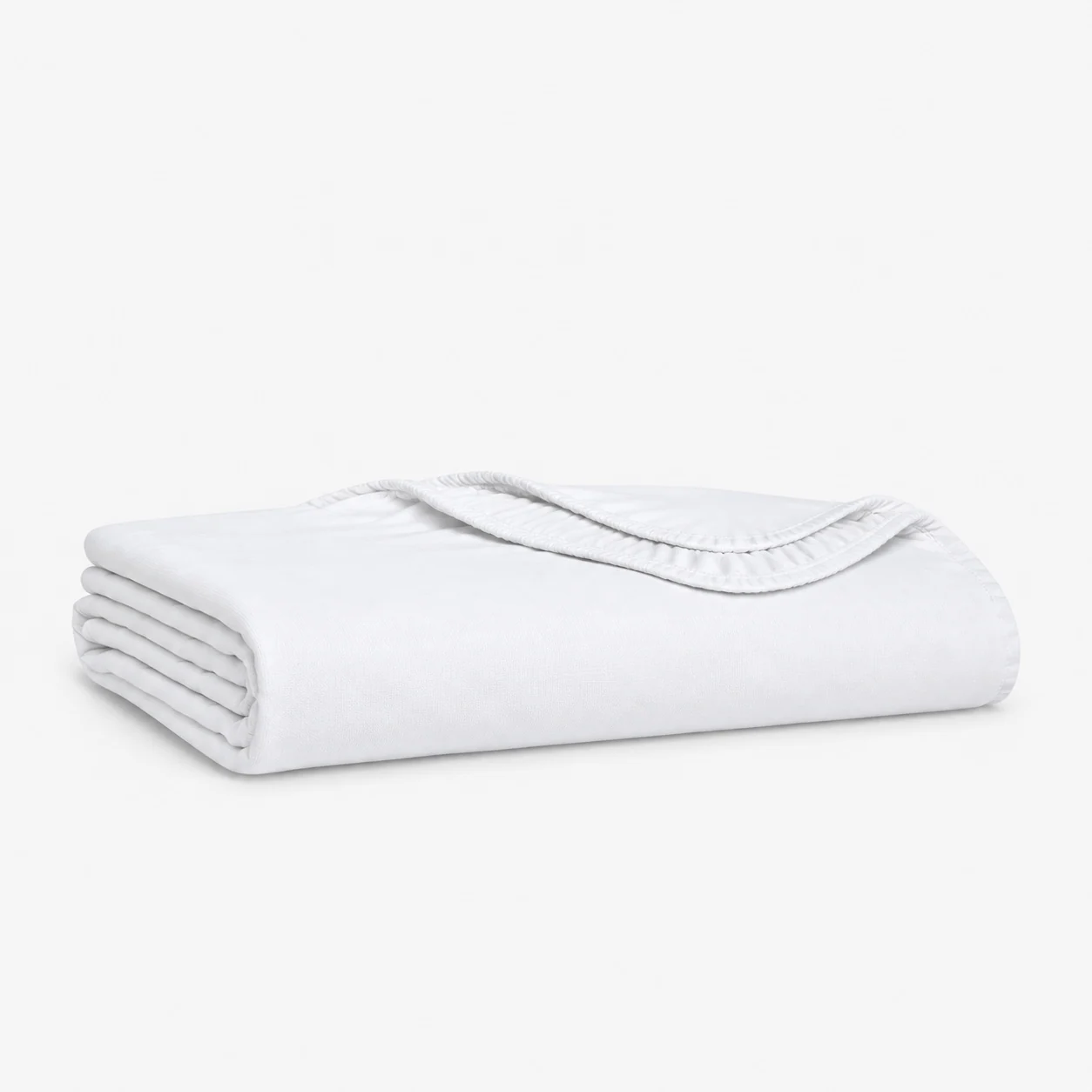
A polished bedding image can still be commercially wrong when it depicts the wrong color lot, construction, size, closure or packaging revision. Product photography sits between physical development and customer-facing content, so buyers need a controlled link from the approved sample to every final file. That link should identify which product was photographed, under what lighting and styling conditions, what retouching was allowed and which file revision was released for each market or channel. Screen color can never replace a physical standard, and a photograph cannot prove dimensions or compliance, but a disciplined workflow reduces avoidable mismatches between listing, sales sample and delivered goods. It also helps sourcing teams decide when photography can begin without waiting for the entire bulk order and when a changed material or trim requires reshooting. Sample availability, courier timing, styling labor and channel crops can affect the launch critical path, so they belong in the development schedule and quotation. Color variants should not be created digitally from one photographed sample unless the brand explicitly approves that method and controls the physical references for each released SKU. A file may support selling activity, but the written specification and approved production sample must continue to control manufacturing and acceptance. The brand, photographer and supplier should agree ownership, usage and deliverables in writing rather than assuming image files are included in a product quotation. This guide focuses on evidence and handoff controls without promising identical appearance across every screen, print process or viewing environment.
1. Define channels, decisions and deliverables
A marketplace thumbnail and a buyer line sheet need different evidence
List every intended channel, market, aspect ratio, background treatment, crop, detail view, video or packaging image required. Define whether images support internal approval, wholesale selling, ecommerce, printed packaging or after-sales identification. Name the owner of the shot list, styling brief, file naming and final release. Do not assume a factory quotation includes creative direction, studio cost, model rights, props, source files or unlimited usage.
Translate the range plan into a SKU-to-shot matrix showing color, size, construction and channel coverage. Where one image is proposed for several variants, document why the visible features are truly equivalent and identify which differences must be disclosed elsewhere. The SKU and color planning guide helps connect assortment complexity with the number of samples and image groups required before the photography budget is approved.
- List channel, market, format, crop and detail-view requirements.
- Name ownership for creative direction, files, usage and final release.
- Build a SKU-to-shot matrix for every visible product variation.
- Price studio, styling, sample, retouching and delivery work explicitly.
2. Identify the exact approved photography sample
Every set needs a sample ID, revision and physical color reference
Assign the photography sample a style, SKU, size, color, material lot, construction revision, sample status and approval date. Record whether it is a development sample, sales sample, pre-production sample or bulk unit and list any known differences from the sellable product. Use the sample-types and approval-gates guide to prevent a visual prototype from being mistaken for a production reference.
Photograph or scan identity cards only for internal evidence and keep public scenes free of uncontrolled labels. Link the physical color standard, swatch or shade band used at the studio. If the sample is returned, store receipt condition and custody details. A later reviewer should be able to locate the exact item or retained material that supported the released images, not simply a folder named 'approved.'
- Record style, SKU, size, color, lot, revision and sample status.
- Disclose known differences between the photo sample and sellable product.
- Link the physical color standard used during the studio session.
- Maintain custody and return records for borrowed samples.
3. Control lighting, color review and retouching scope
Color decisions need a physical reference and named viewing route
Document the studio lighting approach, camera color workflow, neutral reference capture and the calibrated review environment used by the responsible team. Compare the bedding and physical standard in person under agreed light before relying on a monitor. The metamerism and multi-light approval guide explains why two materials can match under one source and separate under another.
Define permitted retouching: dust cleanup, background work, crease adjustment, exposure balance and other agreed corrections. Prohibit edits that change construction, color direction, motif placement, loft, scale or included components without approval. Keep an unretouched reference frame and a decision log for material color changes. The objective is a faithful commercial representation within the documented workflow, not a claim that every consumer display will reproduce the same color.
- Record studio light, neutral reference and responsible review environment.
- Compare the physical sample and color standard before screen-only review.
- Define allowed cleanup and prohibited product-altering retouching.
- Retain an unretouched frame and color-decision history.
4. Approve styling and visible product details
The photograph must show the construction buyers will receive
Use a controlled styling brief for insert size, bed or prop dimensions, fold direction, fullness, closure presentation, layer order and accessory inclusion. Check that the camera view does not hide a required feature or imply components that are sold separately. For dimensions published beside imagery, route data through the retail size-chart approval guide rather than estimating scale from the photograph.
Capture required close-ups of seams, piping, labels, closures, texture and packaging from the correct sample. If a digital composite combines views, record the source files and ensure the result does not create a product configuration that does not exist. Review the full shot list at the studio while reshooting remains practical, then issue a contact sheet or equivalent decision set with clear approve, revise and reject status.
- Freeze insert, furniture, fold, fullness and layer-order instructions.
- Show only included components or identify channel disclosure needs.
- Capture visible construction and texture from the correct sample.
- Close every shot-list status before the sample leaves the studio.
5. Release files and manage product changes
Released assets need naming, ownership and withdrawal controls
Name files with style, color, view, channel, language where relevant and revision. Store master, derivative and compressed versions separately and verify that channel crops still show the intended product. Route final approval through the private-label artwork version-control guide so outdated images can be withdrawn when construction or packaging changes.
Create a change trigger for material lot, shade, size grading, closure, trim, label, packaging and styling differences. Decide whether the existing file remains accurate, needs a note, requires partial reshooting or must be retired. Keep a distribution list or asset register so marketplaces, dealers and printed materials are not left with an obsolete revision after the master changes. Record the decision owner and effective date, and archive superseded files without allowing them to remain in the active handoff folder. Buyers can review private-label development, request a photo-ready sample and add shot ownership, MOQ, timing and delivery formats to the project brief. This keeps content work aligned with commercial development rather than appended at shipment.
- Control master, derivative, crop and compressed file revisions.
- Map each released file to style, color, view and channel.
- Define reshoot or withdrawal triggers for product and packaging changes.
- Record file ownership, usage, delivery format and retention responsibility.
Link every released bedding image to an identified physical sample and color reference, control styling and retouching, complete the channel shot matrix, and withdraw assets when the product revision changes.