A shopper looking at a phone does not see the large room photograph the photographer approved. She sees a small rectangle beside several other small rectangles. If two different floral beds both reduce to the same lavender patch, a beautiful shoot has not yet done its merchandising job. Select the lead image in the context of the actual product grid, then use the room photograph where it tells more of the story.
Choose what has to survive the reduction
Ask what separates two neighbouring designs
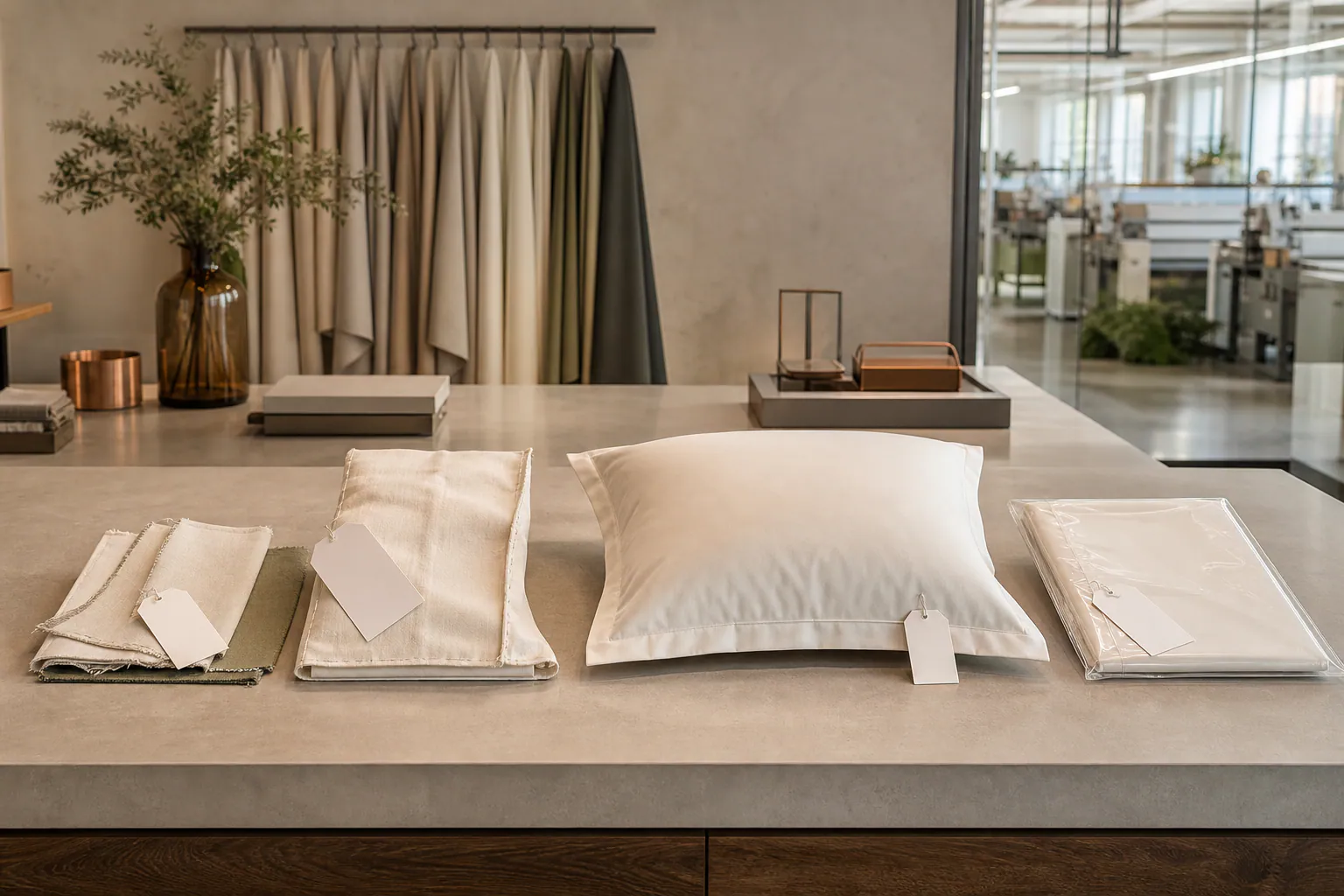
Pick the closest competing items in the intended assortment. Lay physical samples side by side. Is the useful difference a dark ground, the density of the flowers, the space between sprays or the relationship between a border and the field? Write one plain sentence for each. A description such as romantic or premium gives the photographer no way to decide where the frame should end. A visible feature makes the discussion much easier.
Look at the FY floral collection as a starting point for the assortment. Keep the reference number attached to each design being discussed; for example, FR-01 identifies one reference, not every rose design in a project. Confirm the rights and available files for the actual product listing. Permission to discuss a reference in development should not be silently expanded into permission to publish every photograph associated with it.
Make three candidates from the same sample
Compare them in a real grid, not in a slide deck
Try a made-bed frame, a closer folded corner and an in-between view showing both the repeat and an identifiable product edge. Reduce the candidates to the exact proportions and displayed size of the retailer's mobile tile. Place them alongside photographs of neighbouring items. An otherwise useful flower close-up might resemble a cushion or curtain when the duvet edge disappears. A wide room frame may be dominated by the headboard and show too little textile.
Ask a reviewer to match the on-screen tiles to the actual samples without product names visible. Record the pair of tiles that caused hesitation and ask what the reviewer used to distinguish them. This is a diagnostic exercise, not proof of an increased conversion rate. If a folded view is easy to identify but makes the bloom seem much larger than it is, keep a full-bed image immediately available on the detail page rather than asking one tiny frame to do both jobs.
Set the crop boundary with the photographer
Protect features likely to be cut off
Take the selected image into each required aspect ratio. A square marketplace tile and a taller direct-store tile do not crop the same strip from a landscape frame. Mark the area that must remain: perhaps a section of the border with the first full bouquet above it. Ask for breathing room around that area in the master capture. Adding more blank wall to the image is not helpful if the automatic centre crop still misses the textile.
Compare the candidate to the fabric at the desk, not only to the previous edited image. Do not approve a strong saturation change merely because it makes the thumbnail stand out. If a colourway shares the same layout as another, use a specific approved image for each or mark clearly what remains provisional in the internal workflow. A beautiful thumbnail showing the wrong colour is a picking and returns problem, not a minor styling choice.
Hand off a file that can be replaced safely
Define the product, channel and revision
Retain the selected master, the approved crop for each channel and a small contact sheet showing them in the intended order. Name the owner of the approval and record the reference, colourway and product size seen in the picture. If a retailer swaps to a different design scale later, the technical filename alone will not tell a content editor whether the old image remains representative. Keep a physical sample reference in the record.
Before handing a listing live, open the actual product grid at phone width. Select the tile, verify that it opens the matching product and check that its first detail image explains what the grid image left out. When requesting a custom floral programme, send FY the proposed grid dimensions alongside the sample direction. That lets the image decision follow the product rather than forcing the product into an attractive but misleading crop.
Approve the tile only after it can be matched to its physical sample beside the closest alternative. File the mobile crop and the wider context image as separate deliverables.