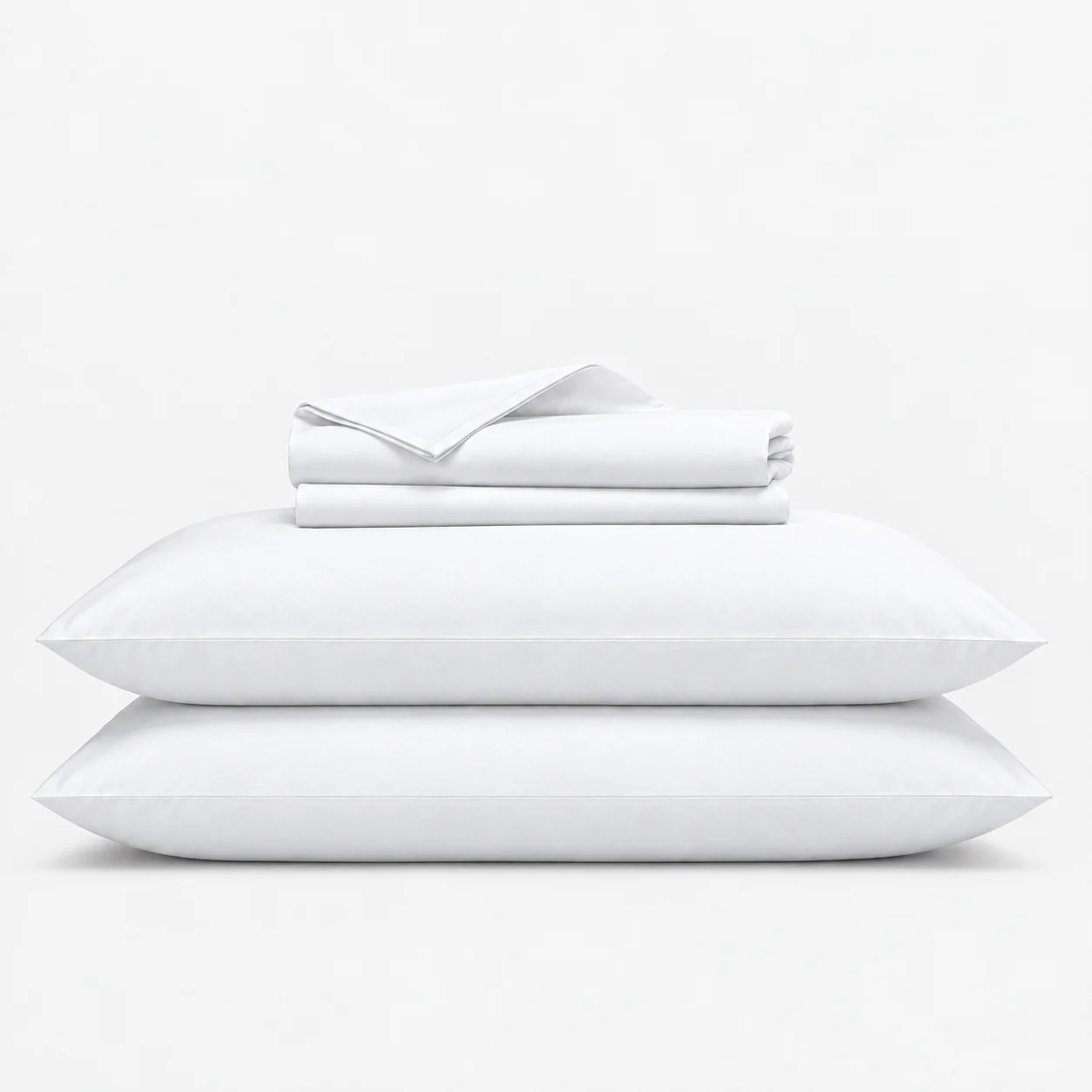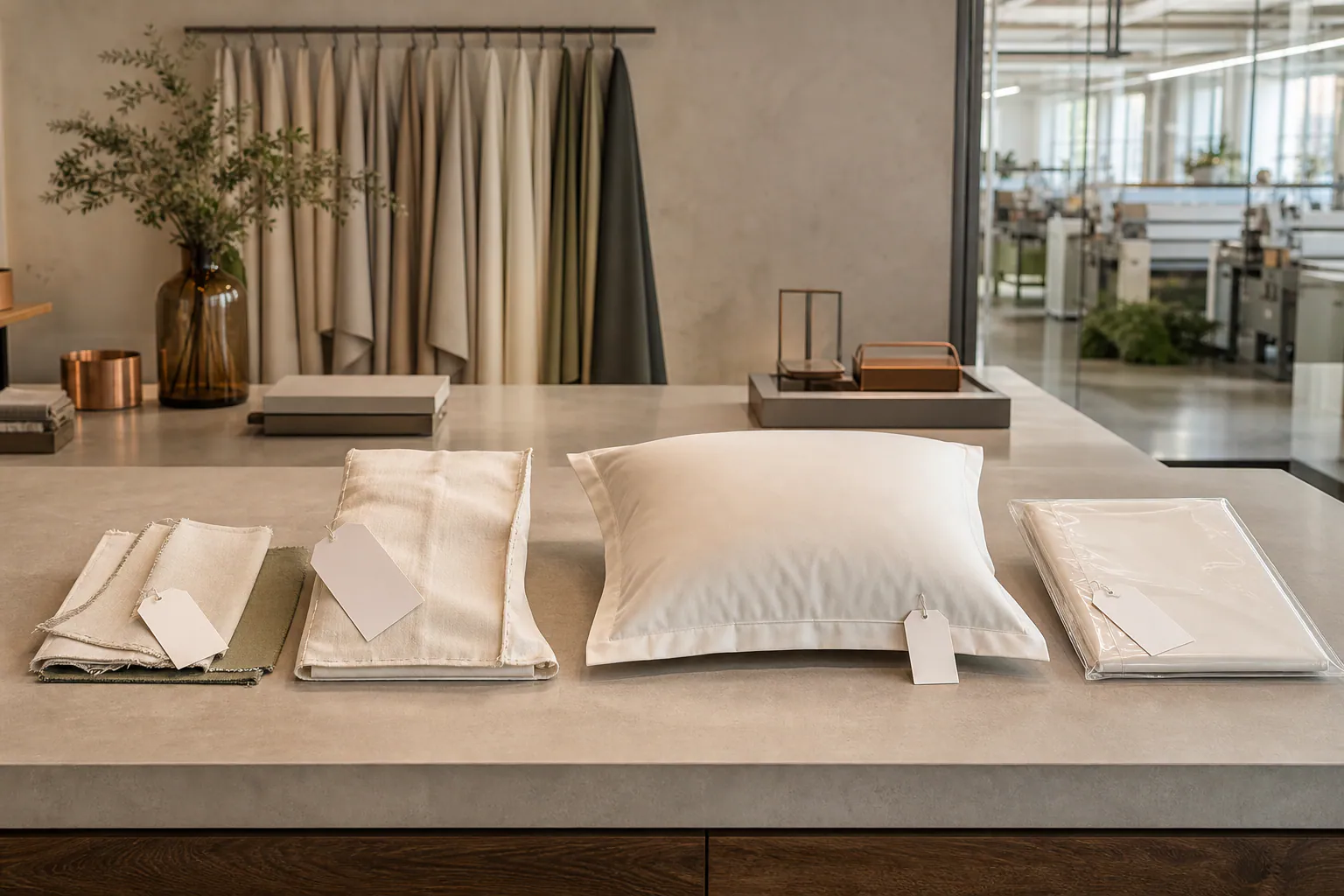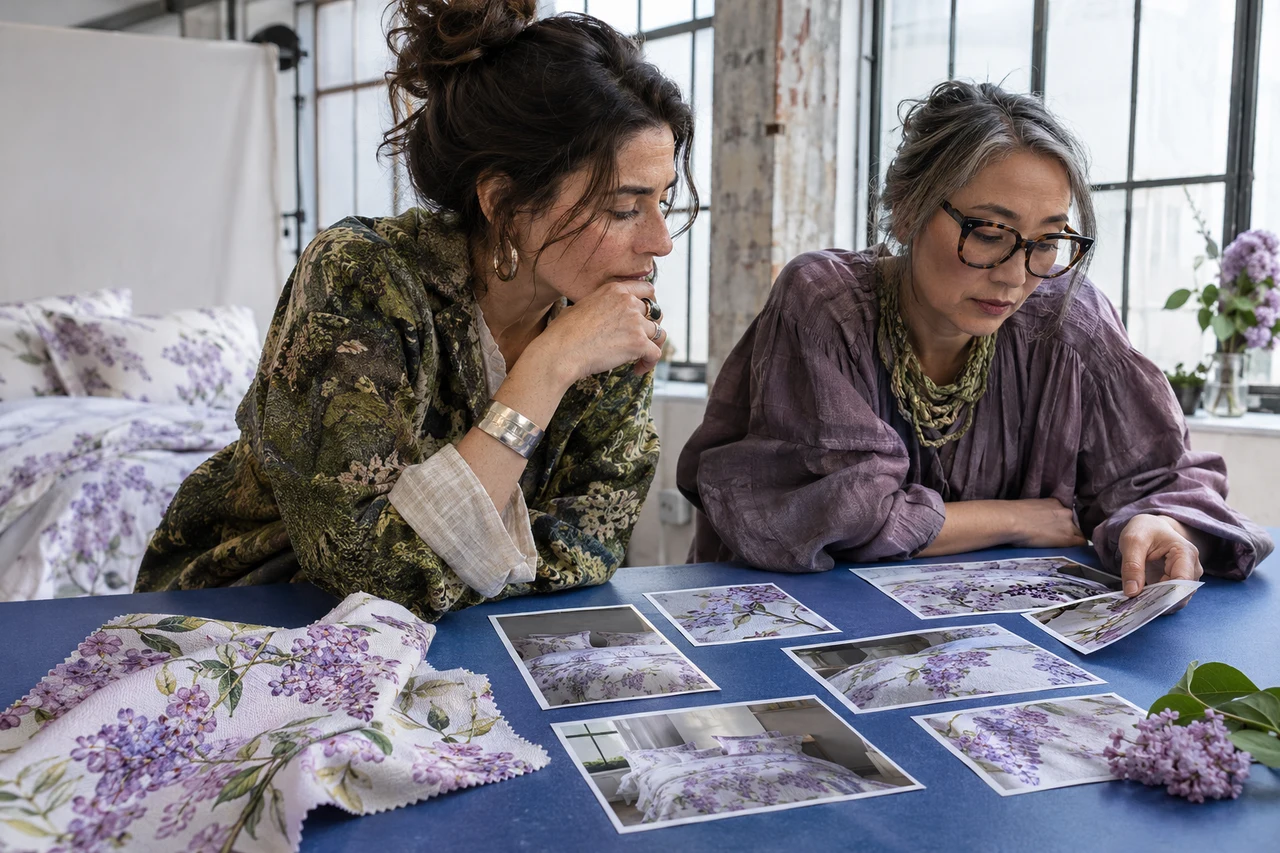
Retail images can outlive the sample that was photographed, so the creative team must know exactly what the image represents. A prototype may contain substitute fabric, temporary trims or a color that changes before bulk approval. Buyers should control sample identity, color references and styling boundaries without expecting a screen to reproduce every physical material perfectly. This guide aligns product development, photography and production records while avoiding unsupported promises about color accuracy across all devices.
Select a production-representative sample
Identify every difference that remains open
Use a sample that matches the intended fabric, construction, dimensions, components and finish as closely as the project stage allows. Record its sample type and approval status under the pre-production sample approval guide. If a substitute is unavoidable, list the exact difference and prohibit the image from being treated as bulk evidence for that feature.
Assign a sample ID, product SKU or development code, color reference, date and owner. Photographing an untracked sales sample creates a later dispute when packaging, trim or dimensions change. Keep the sample conditioned and prepared according to its normal presentation rather than altering fill, ironing a forbidden finish or adding components that will not ship.
- Sample type and approval status
- Material and component match
- Declared temporary differences
- Traceable sample and color identity
Control physical color and material references
Give creative teams the same approved source
Provide the approved fabric swatch or retained product reference used by sourcing and production. The color and material board guide establishes the controlled physical story; the photography brief should name which reference governs when a monitor preview and physical product appear different.
Record the viewing condition used for approval and note directional or pile effects that change appearance with light. Do not promise identical display on every screen, browser or customer device. Instead, require a documented capture and review workflow, reasonable representation of the approved physical product, and clear escalation when a color correction would materially change the perceived item.
- Approved physical swatch or product
- Viewing and lighting condition
- Directional surface notes
- Escalation for material color correction
Define styling and preparation boundaries
Keep the image attractive without changing the product
Agree permitted steaming, folding, insert fill, bed size and support props before the shoot. A duvet cover styled over an oversized insert can appear fuller than the supplied specification. Identify which pieces belong to the retail set and which are scene props. The photographed component count must agree with the controlled SKU record in the SKU master data guide.
For close views, list the construction details that must remain visible and truthful: closure, hem, quilting, texture or pattern scale. Do not remove a real seam, invent a label or enlarge a motif only for visual impact. If an editorial lifestyle image uses creative draping, pair it with accurate product views that support the buyer's information needs.
- Approved insert and bed dimensions
- Retail components versus props
- Permitted steaming and preparation
- Construction details that cannot be altered
Review capture and output against the brief
Separate creative selection from product verification
The photographer should record the sample ID, session date and controlled scene information useful to the team. Review hero, full-product, component and detail views for consistency. Use a calibrated workflow where available, but keep claims proportionate to the actual process. Creative approval does not replace textile shade acceptance or a physical bulk comparison.
Check crops on the intended marketplace and brand layouts so closures or scale are not accidentally hidden. Confirm that no unapproved logos, care claims or certification marks appear. Packaging artwork remains controlled through the artwork version guide; an image of an old pack should not continue after a new approved version is released.
- Sample ID tied to session
- Required image-view list
- Color and construction review
- Marketplace crop and artwork version check
Manage production changes after photography
Trigger image review when the product changes
Define which changes require new photography or documented image revision: material, shade, pattern scale, component count, closure, packaging or dimensions. Use the supplier change-control guide to connect product decisions with downstream assets. Do not let an approved image conceal an unapproved production substitution.
Archive final selects with product and color references, usage status and approval owner. Retire superseded images from active feeds through the brand's own channel controls. Buyers can share a retail launch brief that joins sample, photography and bulk-approval milestones before setting a launch date.
- Change triggers for image review
- Final image and product reference link
- Superseded asset status
- Launch milestone and approval owner
Before photography, identify the exact product sample, physical color reference, permitted styling and every open difference. Define which later production changes trigger image revision.