A thin white line across a floral PDF can send a sampling team back to the artwork unnecessarily. It may arise in the export or display workflow rather than exist in the painted flower. A dark boundary may require a different investigation. Before repainting petals, merging layers or asking the printer to conceal a line, preserve the original file and establish where the unwanted boundary first appears. The decision concerns a specific document and output route, not a general rule that every fine line is harmless.
Locate the boundary in the actual file chain
Screenshots cannot replace the source and export
Ask for the identified native artwork, the exported PDF and the settings used to create it. Record the page, crop or flower where the line is visible, together with the viewing application and magnification. Determine whether the file is a production handoff, a presentation mock-up or a reduced preview. A line found only in a compressed screenshot should not immediately be attributed to the original design or to the textile printer.
Adobe documents thin light or dark stitching lines associated with transparency flattening and display anti-aliasing, including interactions involving spot and process colours. Its guidance also notes the relevance of older PDF compatibility. This is a diagnostic possibility, not proof of the cause in your file. Ask the prepress operator to inspect the actual document structure and compare the native view with the exported result before selecting a remedy.
Observe what changes when the view changes
A disappearing line is a clue, not approval
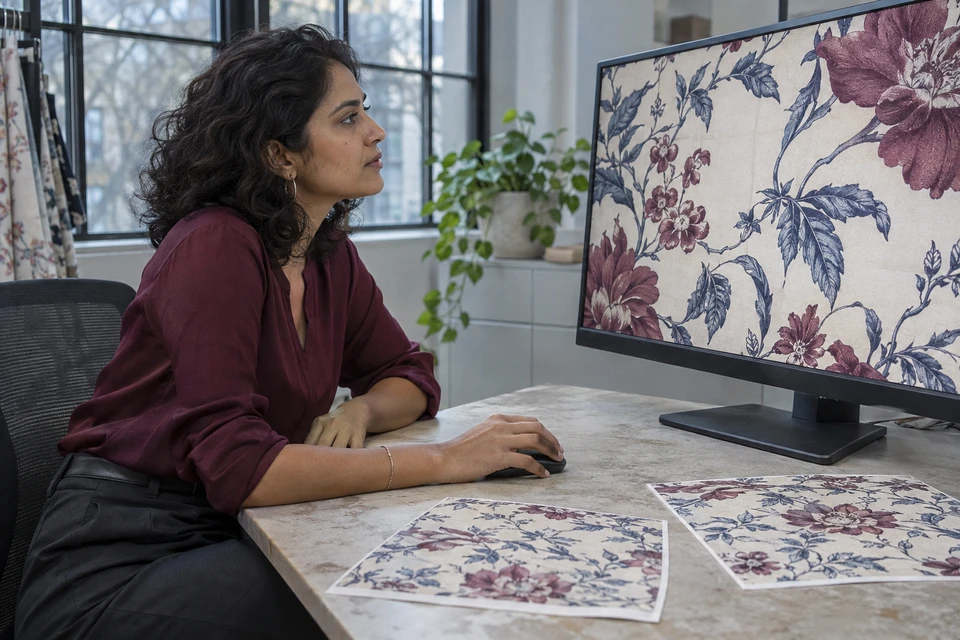
Examine the same area at several useful zoom levels and, where available, in another appropriate PDF viewing environment. Keep the file unchanged during that comparison. Note whether the boundary moves, remains in the same artwork position, changes apparent thickness or disappears. These observations help the technical team distinguish a display effect from a line that is actually part of the content, but they cannot by themselves approve the eventual textile output.
Do not sign off merely because a viewer setting hides the line. A smooth-looking screen and a successful screenshot are not evidence that the supplier's output workflow will interpret the file as intended. Preserve the comparison record so the receiving prepress team can reproduce the concern. Use the same crop and identify the surrounding petals; a vague message that there is a line somewhere in the flowers is difficult to investigate reliably.
Review transparency and colour handling with the output provider
A quick workaround can change the design
Ask whether the proposed PDF compatibility and transparency settings suit the actual receiving workflow. The operator should identify any affected objects, masks, effects and spot-colour interactions. Do not casually convert every spot colour to process, flatten everything or change object opacity simply because one generic troubleshooting page lists such options. Those operations can alter separations or appearance that the project deliberately needs.
Have the provider propose a controlled alternative export where appropriate. Give it a new identity and retain the unchanged original. Record exactly which setting or object treatment differs, while keeping the motif scale and intended colour handling fixed unless the revision explicitly changes them. If several variables must change together, document that limitation. The buyer needs a traceable comparison rather than a sequence of files all called final with no explanation of how they differ.
Test the output path that will actually be used
A paper print is not the fabric decision
Request an output proof covering the affected boundary and enough surrounding floral detail to judge context. Ask the supplier to identify how that proof relates to the intended production interpretation. A convenient office print can reveal some problems but cannot establish what a textile output system will do. Where a rasterised preview is supplied, retain its relationship to the source file and ask whether the same processing route will be used for the strike-off.
Then inspect a relevant textile strike-off when the production route is ready. Look at the exact area previously flagged, but also check nearby fine stems, soft petals and overlapping shapes that a changed export may affect. Do not approve the whole design because the original line has disappeared if another essential detail has been lost. Record actual observations and unresolved differences; avoid treating an unverified explanation of flattening as a substitute for the physical sample decision.
Keep this issue separate from fabric-print defects
Similar-looking marks can have different origins
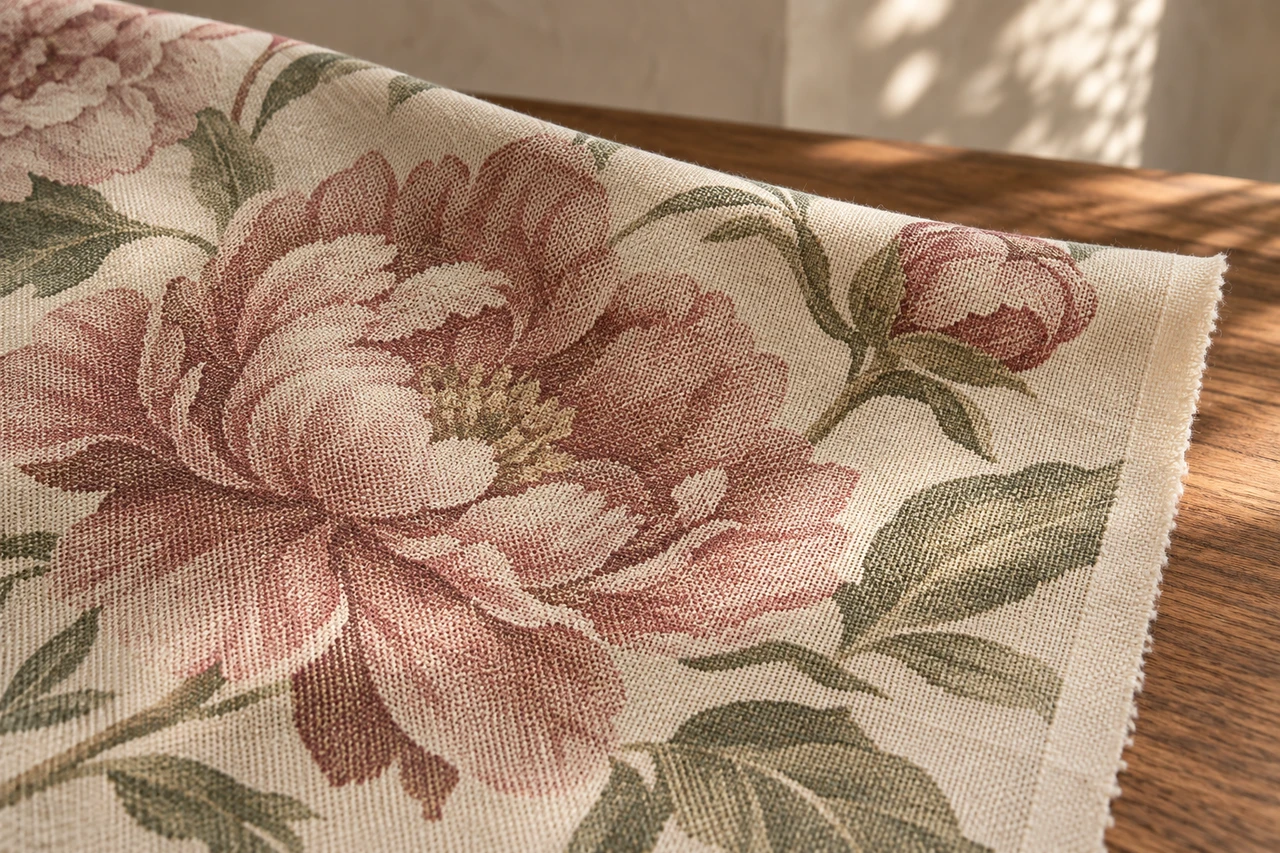
A straight line visible in a PDF is not the same evidence as banding that appears only on cloth. Compare the location and geometry through the file chain before grouping the two complaints. If the digital boundary is absent from the actual output, close that specific issue with its evidence. If a mark remains on the textile, have the supplier investigate the relevant file and printing stages rather than assuming the earlier screen diagnosis explains it. The FR-01 floral reference can communicate a botanical direction; its photograph does not confirm the proposed production process or materials.
Keep a small approval record containing the original PDF identity, the marked problem crop, tested export version, output route and accepted physical proof. State which file is authorised for manufacturing and which remains a visual reference. The next production team should not accidentally reopen the older export from a presentation folder because it has a familiar name. Any later change to transparency, effects or colour handling should trigger a targeted recheck of the affected details.
For floral development with FY Bedding, share the desired collection direction and the actual available artwork through the enquiry route. Collection photographs help discuss style but are not automatically production PDFs. Explain the observed boundary and request a scoped file-and-strike-off review before expanding the sample order. This approach protects the botanical drawing while keeping the acceptance decision tied to an identified output, not to a screen workaround.
Has the suspected boundary been traced from native artwork through an identified export to the relevant physical proof, without treating a hidden screen line as evidence of correct output?
Method references: Adobe: transparency-flattening stitching lines in PDF output.